Assignments may include reflections, exercises, educational materials, or wellness tasks. You can view your assignments, complete them at your own pace, and track your progress.
How to Complete an Assignment
Go to Assignments
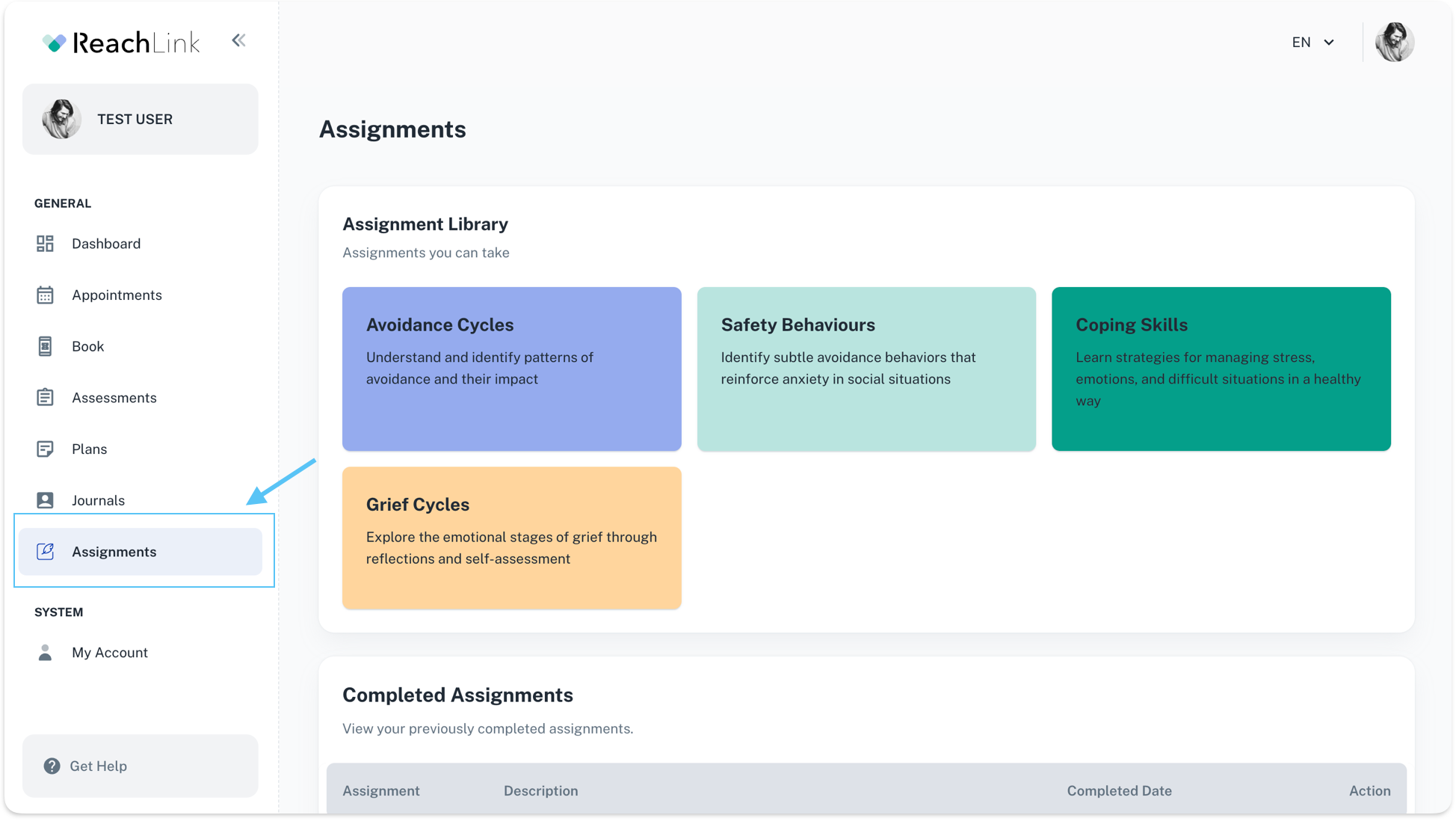
From the left menu, click Assignments.
Choose an assignment
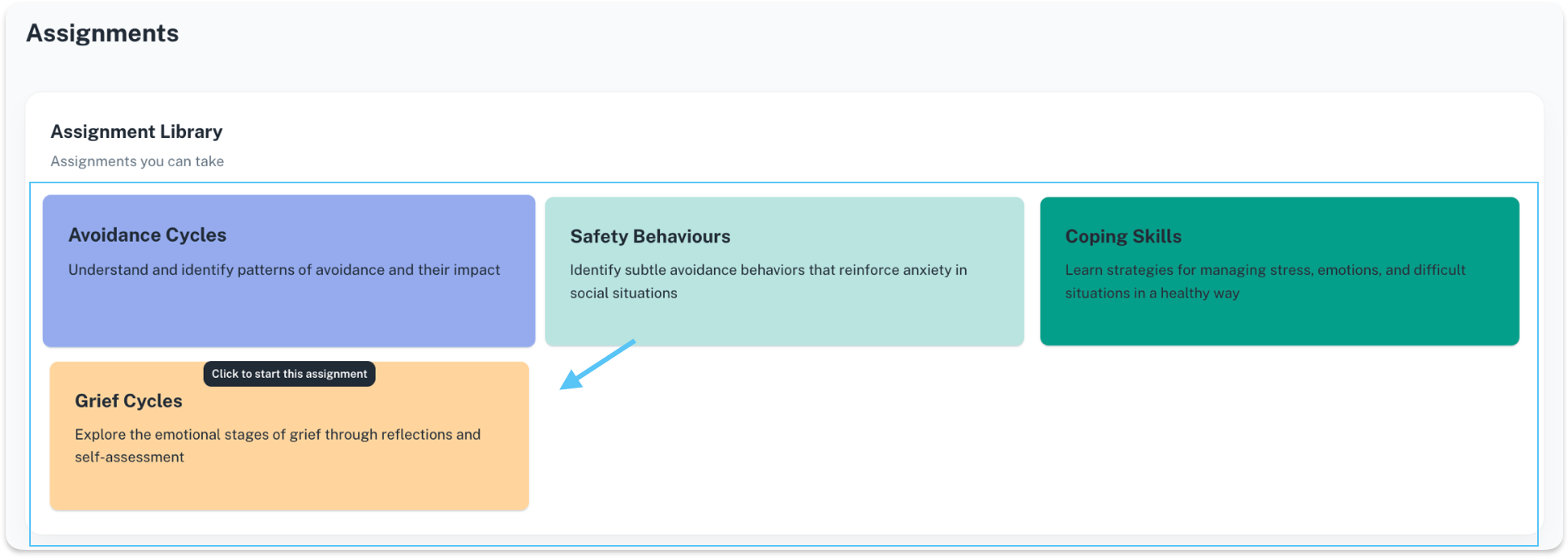
In the Assignment Library, click the card you want to work on.
Read the instructions
Each assignment starts with a short explanation of the topic and goal.
Work through the content
You may see educational text, reflections, or guided prompts designed to help you think through patterns, emotions, or behaviors.
Complete and submit
Once finished, the assignment is saved automatically and marked as completed.
Review later if needed
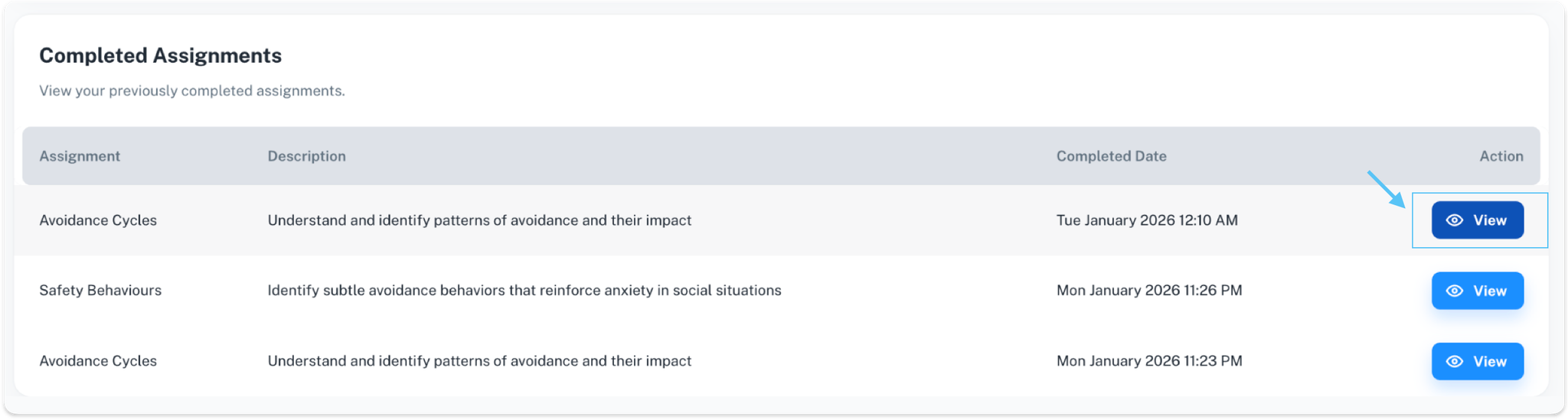
You can always revisit completed assignments by clicking View in the Completed Assignments section.
🔁
Need to Go Back?
While viewing an assignment, you can use Back to Assignments to return to the main list at any time.