
Your Dashboard is the heart of your ReachLink experience. It’s designed to help you feel supported, stay organized, and easily keep track of your mental-health journey. It’s where you can quickly check your progress, see upcoming sessions, and access your tools.
Opening the Dashboard
- Log in to your ReachLink account.
- After logging in, you’ll land on the Dashboard automatically.
- If you are on another page and want to go back:
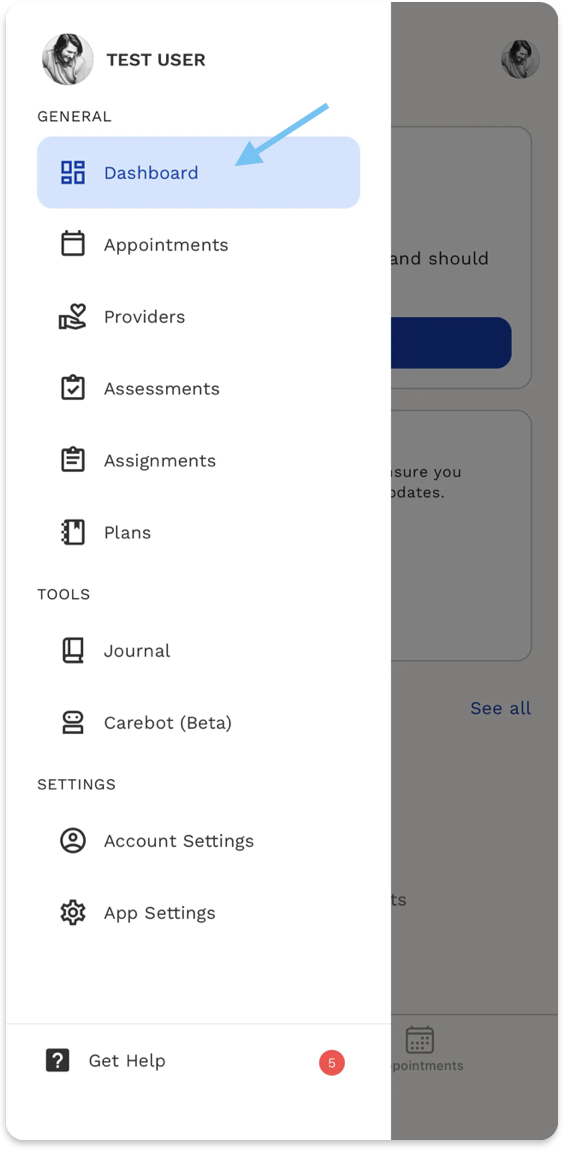
- Open the side menu and select Dashboard.
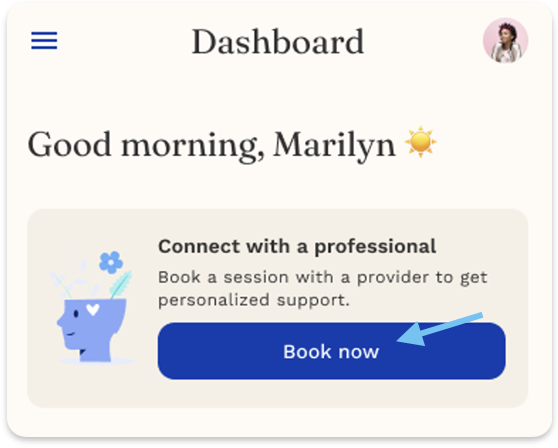
Connect With a Professional
This card helps you quickly reach a licensed provider whenever you need care or support.
What you can do:
- Tap Book now
- Choose your provider
- Schedule your session immediately
This makes sure you always have access to support when you need it.
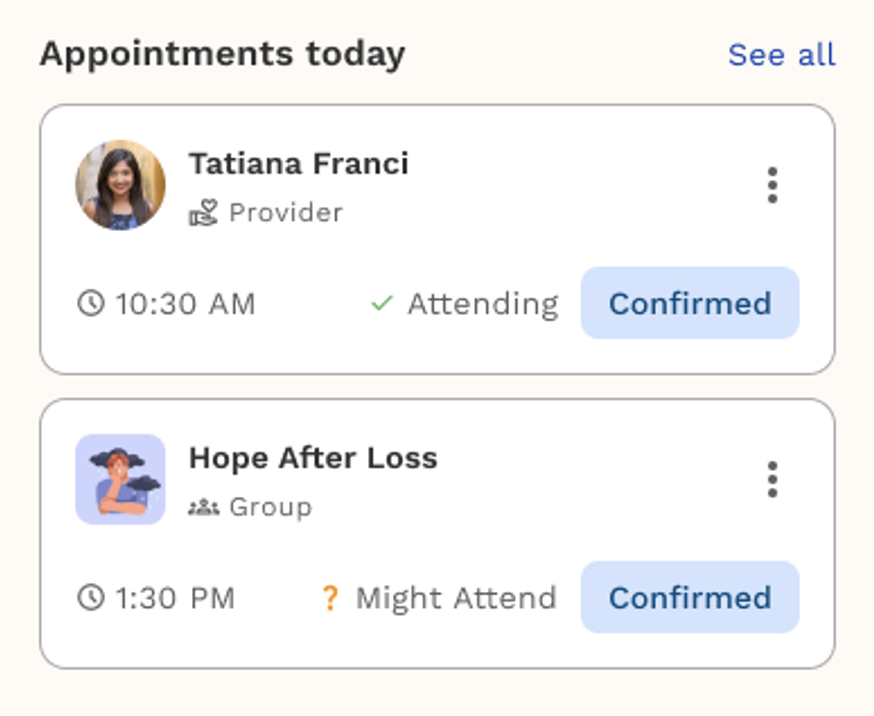
Appointments Today
See all your scheduled sessions for the day in one place.
Each card shows:
- Provider or group name
- Time of the session
- Attendance status (“Confirmed”, “Might Attend”, etc.)
- Quick actions (ex. join link, reschedule)
This helps you stay organized and prepared.
Tips for Getting the Most Out of Your Dashboard
- Check it daily to stay on top of your sessions and tasks.
- Use the upcoming session card to quickly confirm times and join sessions.