What You Can Do Here
Lets you upload, search, download, and manage documents you’ve shared in your account.
Profile Photo
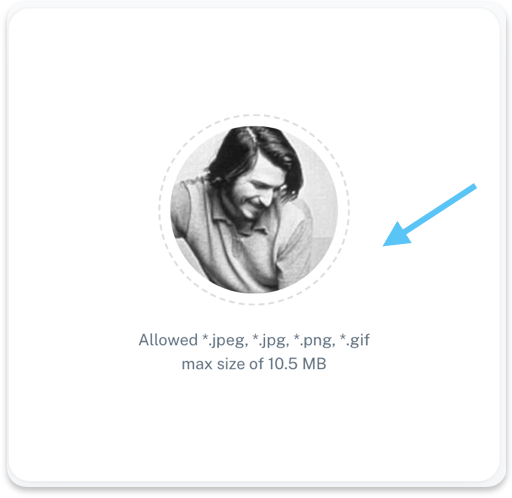
You can upload a profile photo to personalize your account.
Supported formats: .jpeg, .jpg, .png, .gif
Maximum size: 10.5 MB
Your photo is visible across the platform where your profile appears.
Contact Information
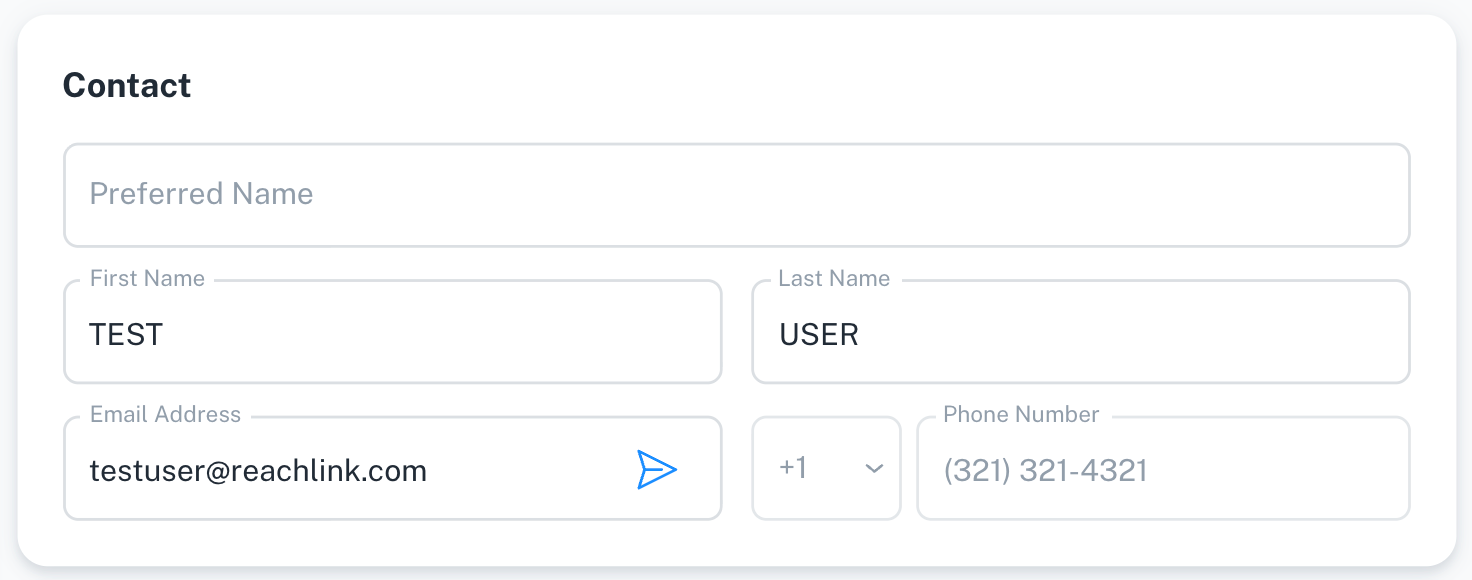
This section contains your main contact details.
You may see and edit some of the following fields:
- Preferred name
- First name
- Last name
- Email address
- Phone number
Some contact fields may be locked and cannot be edited directly.
Demographic Information
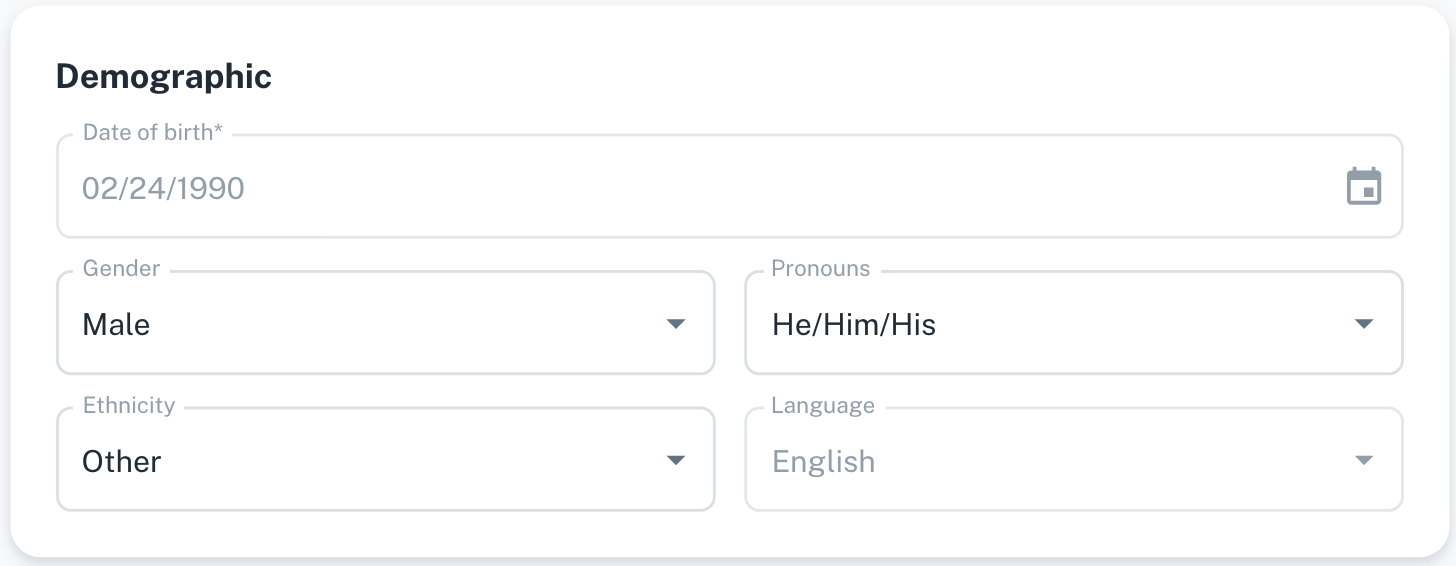
This information helps us personalize your experience and support reporting requirements.
You may be asked to provide:
- Date of birth
- Gender
- Pronouns
- Ethnicity
- Language
Providing this information is optional unless otherwise indicated.
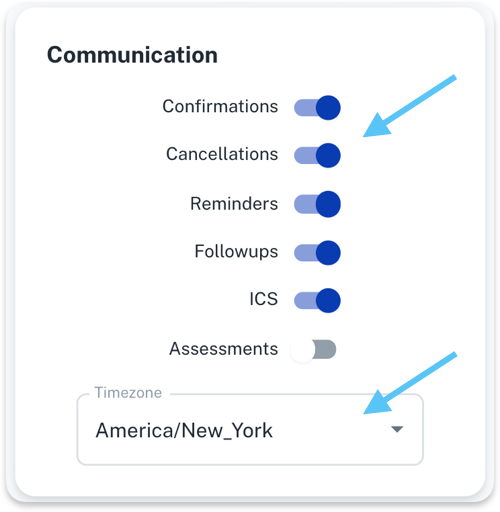
Communication Preferences
You control which notifications you receive.
You can turn on or off:
- Appointment confirmations
- Cancellations
- Reminders
- Follow-ups
- Calendar invites (ICS)
- Assessments
Timezone
Your timezone is used to schedule appointments and send notifications at the correct time.
EAP Options
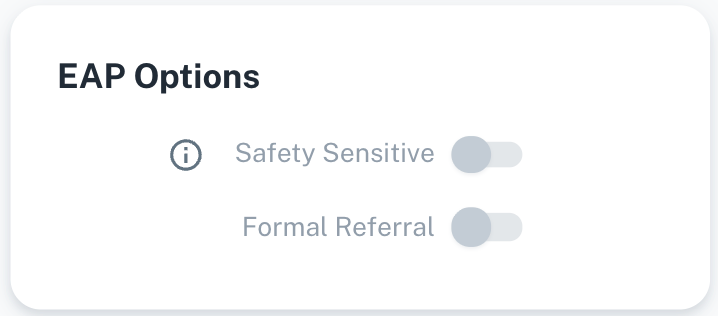
These settings relate to Employee Assistance Program (EAP) handling.
- Safety Sensitive
- Formal Referral
These options are usually managed by your organization and may not be editable.
Address
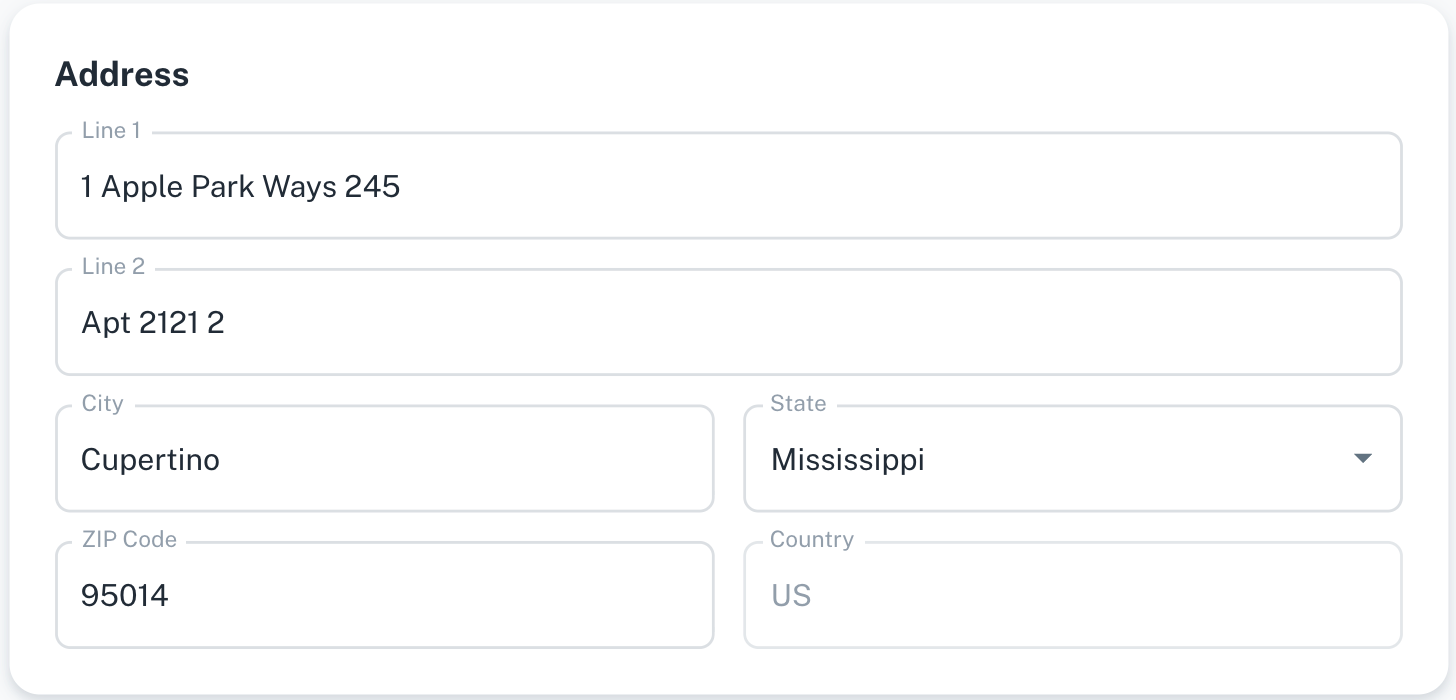
Your address information may be used for eligibility, reporting, or coverage purposes.
You can view or update:
- Address line 1
- Address line 2
- City
- State
- ZIP code
- Country
Emergency Contact
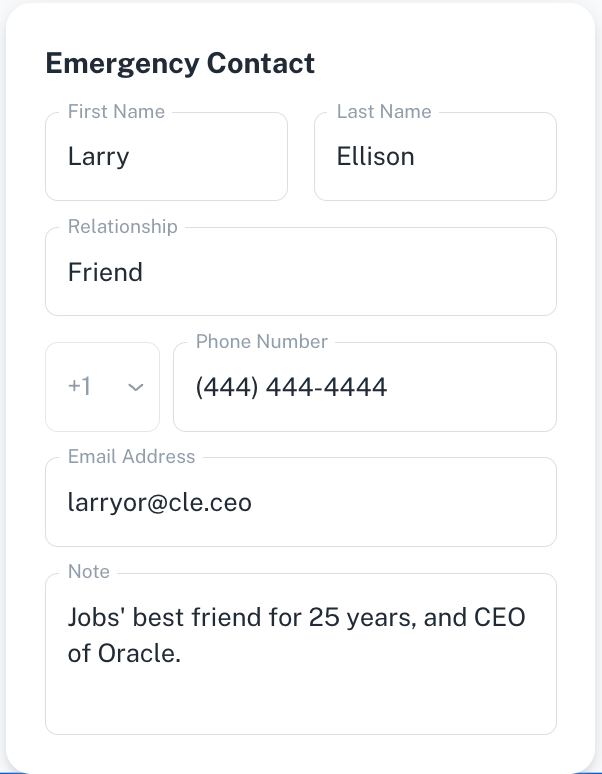
Your emergency contact may be used in urgent or safety-related situations.
You can provide:
- First name and last name
- Relationship to you
- Phone number
- Email address
- Notes (optional context)
We recommend keeping this information up to date.
Coverage
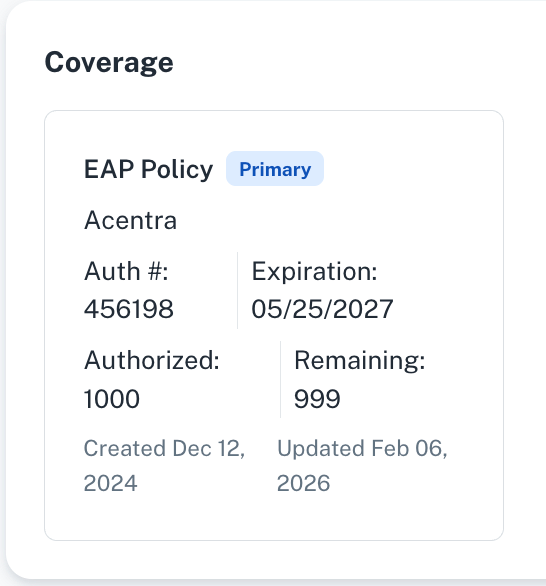
This section shows your current coverage details.
You can view:
- Coverage type (for example, EAP Policy)
- Provider name
- Authorization number
- Total authorized sessions or units
- Remaining sessions or units
- Coverage expiration date
Coverage details are read-only and cannot be edited.
Saving Your Changes
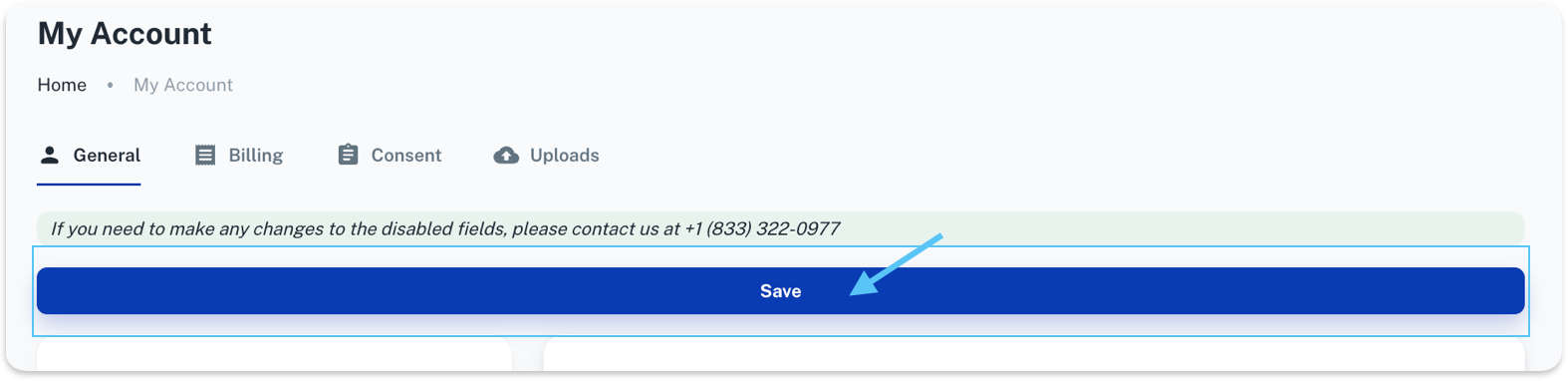
Once you’ve updated your information, click Save at the top of the page to apply your changes.